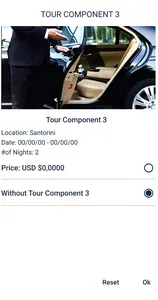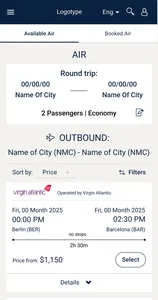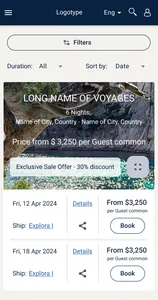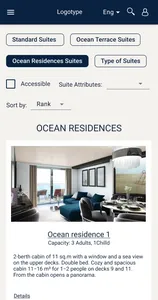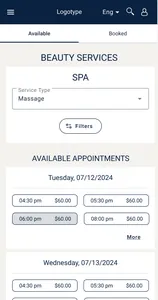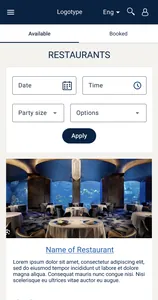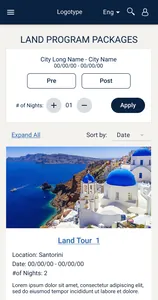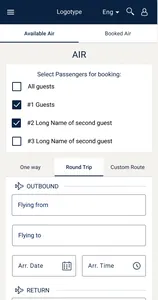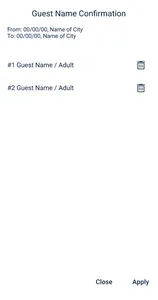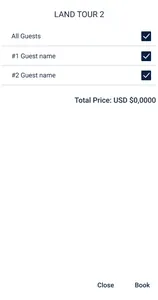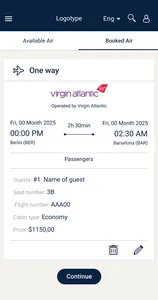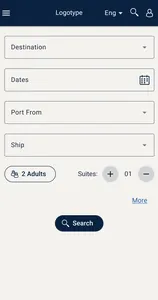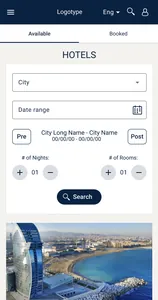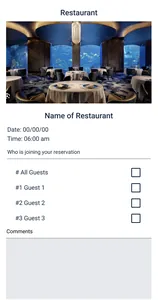
Search
Results
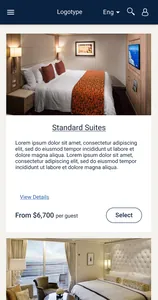
Cabin Category
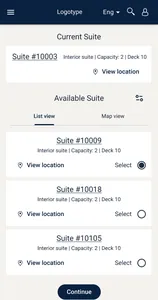
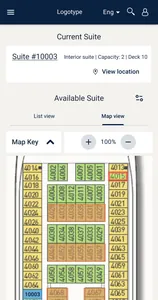
Cabin Selection
Passenger Details
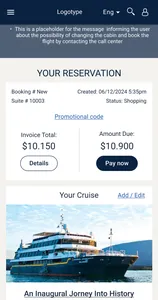
Reservation Summary
Payment

B2C · Cruise Booking Web Application · SeaWare
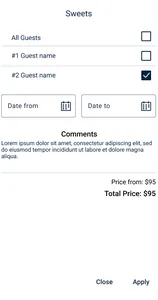
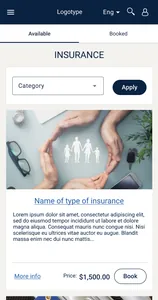
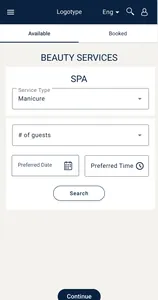
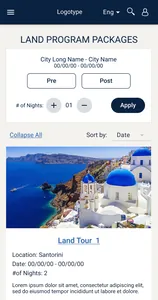
UI/UX for a configurable web application covering cruise search, voyage and cabin selection, passenger information, reservation review, check-in, flights, excursions, dining, transfers, and other trip services.
Context
The core flow helps customers secure the cruise without unnecessary detours. Each stage still contains its own states, validations, dialogs, and client-specific variations, while flights, excursions, dining, transfers, and other services can be added from the reservation afterward.
My contribution
Application Structure
The diagram separates the focused first booking round from the editable post-booking state. The node positions stay fixed so the two states can be compared without the layout jumping.
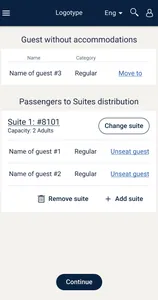
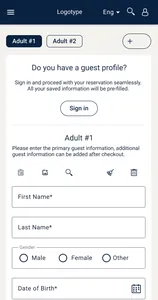
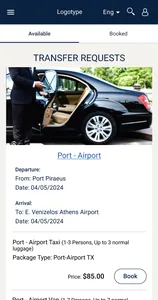
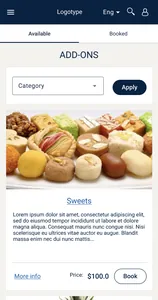
The initial booking follows a focused sequence from cruise search through cabin and passenger selection to the Reservation Summary. Optional services remain visible but stay outside the shortest path.
Selected Workflows
Each workflow shows a different type of product complexity. They are connected parts of the same reservation system, not separate products.
Workflow 01 · Reservation Hub
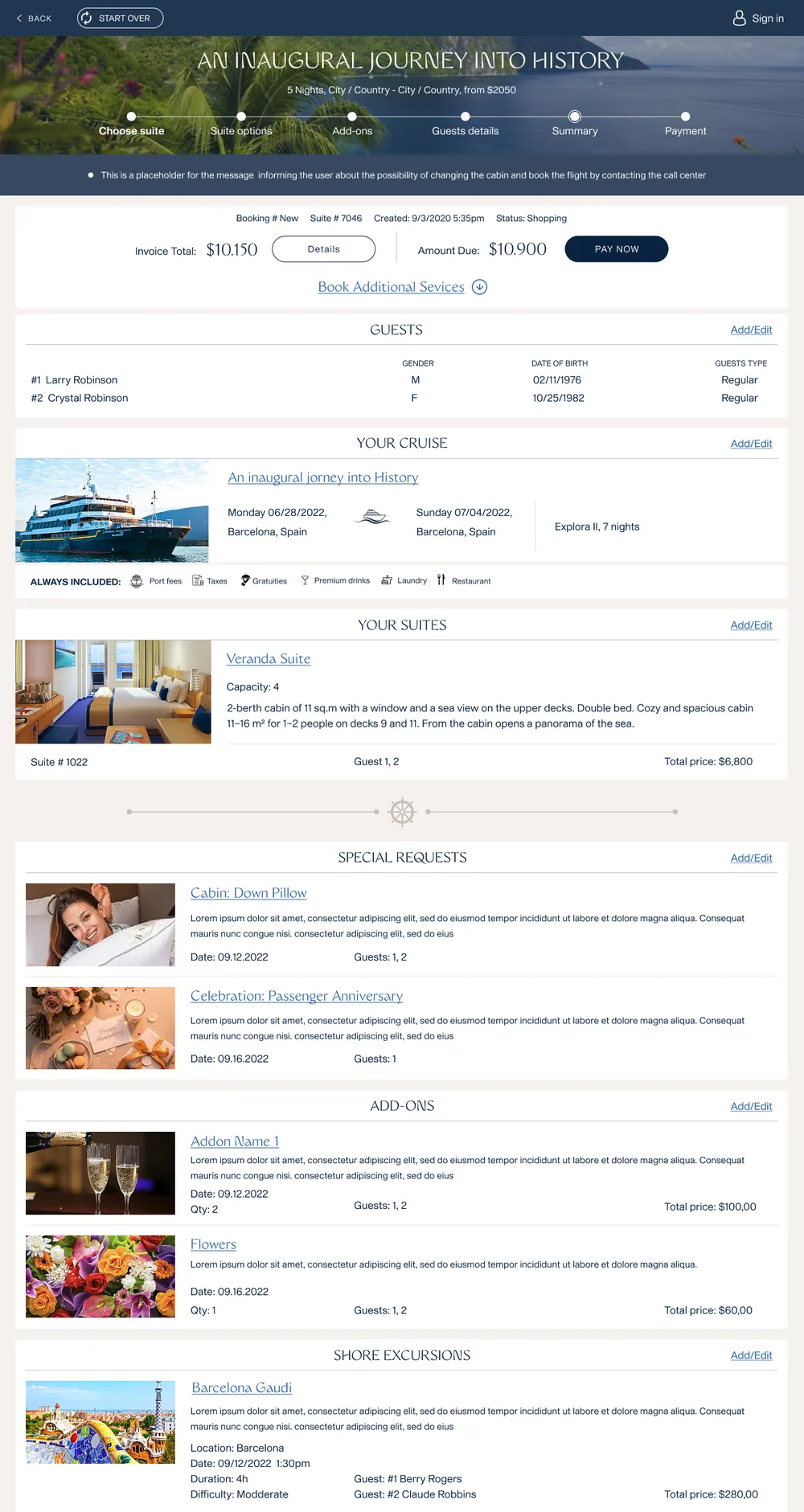
The B2C Summary was not treated as a static confirmation page — it stayed a live workspace for the whole reservation.
Turn the summary into more than a read-only confirmation page. Customers needed one place to understand what they had already booked, continue to payment, make changes, and keep planning the trip later without confusion.
Organize the page in layers: first the core cruise, cabins, price, and payment status; then services already booked; then optional services still available. Keep booked sections editable so the page works as an active reservation hub rather than a final receipt.
 Click to enlarge
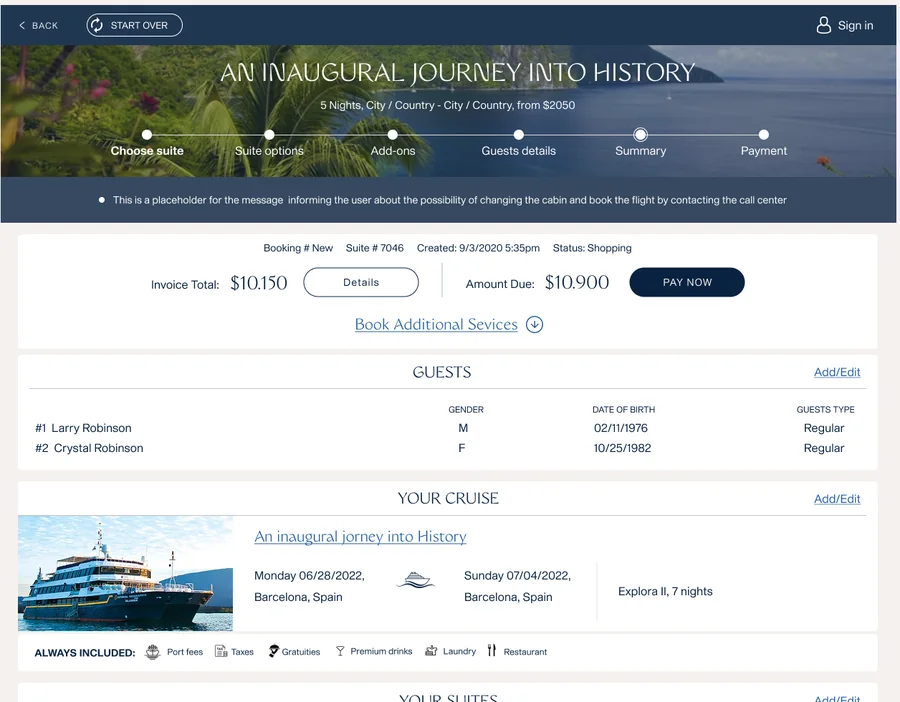
Summary concept
A single, editable hub that puts control in the customer’s hands — review the reservation, change booked components, continue to payment, or add more services from the same place.
Summary structure
The Summary is organized in three layers, read top to bottom, so the customer takes in the reservation in a natural order.
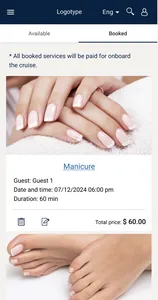
The B2B agent summary kept all components in a predictable fixed order for fast scanning. The B2C summary first shows what is already booked, then presents additional services that can still be added.
Workflow 02 · Pre-Voyage
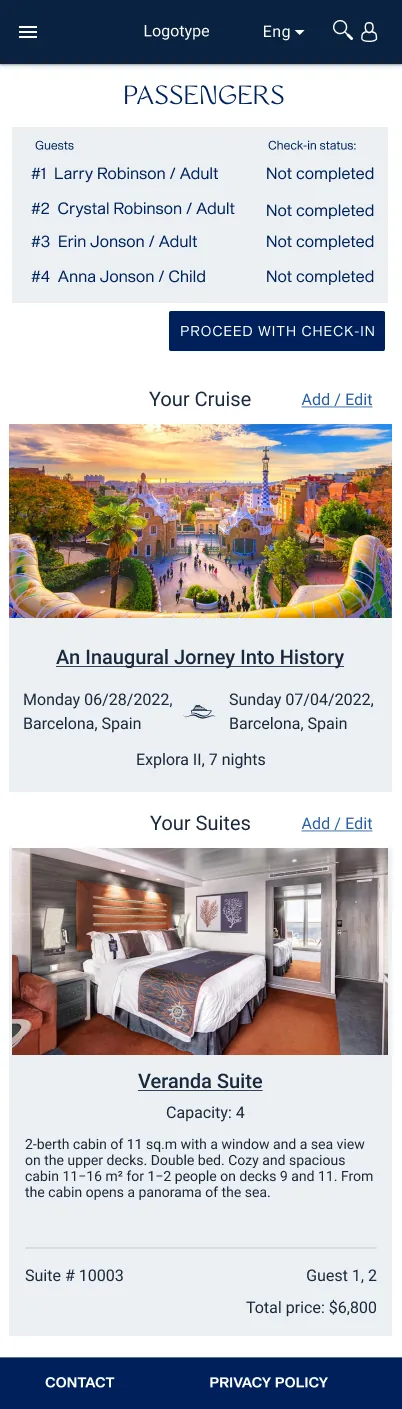
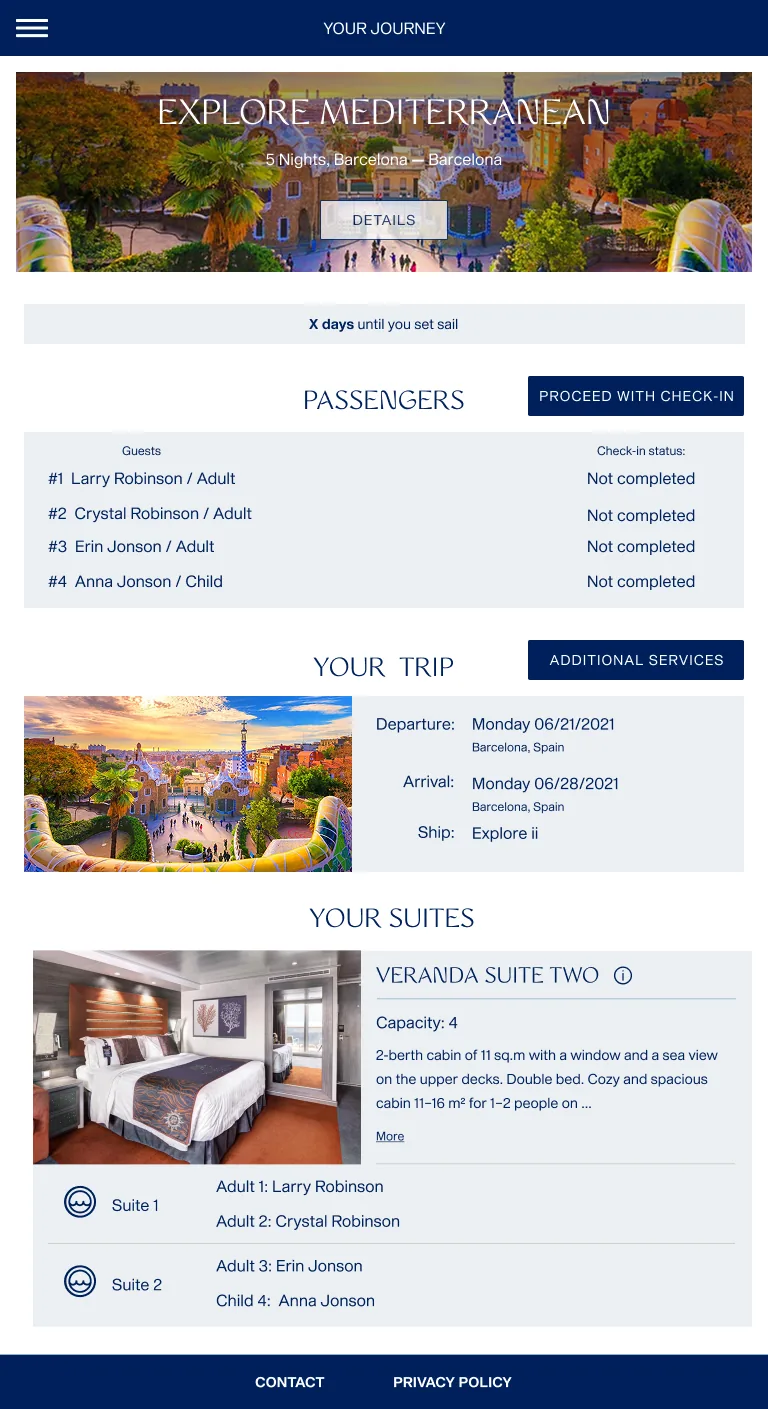
Passenger details, documents, emergency information, required forms, completion status, and review were organized into a multi-step flow that supported several travelers in one reservation.
Collect required information for multiple passengers without making the process confusing or forcing everyone to complete it at once.
Organize check-in by passenger status and clear steps, support saved progress, and show incomplete requirements before submission.
 Click to enlarge
Passengers & status
Check-in is organized by passenger, so a reservation with several travelers stays clear.
 Click to enlarge
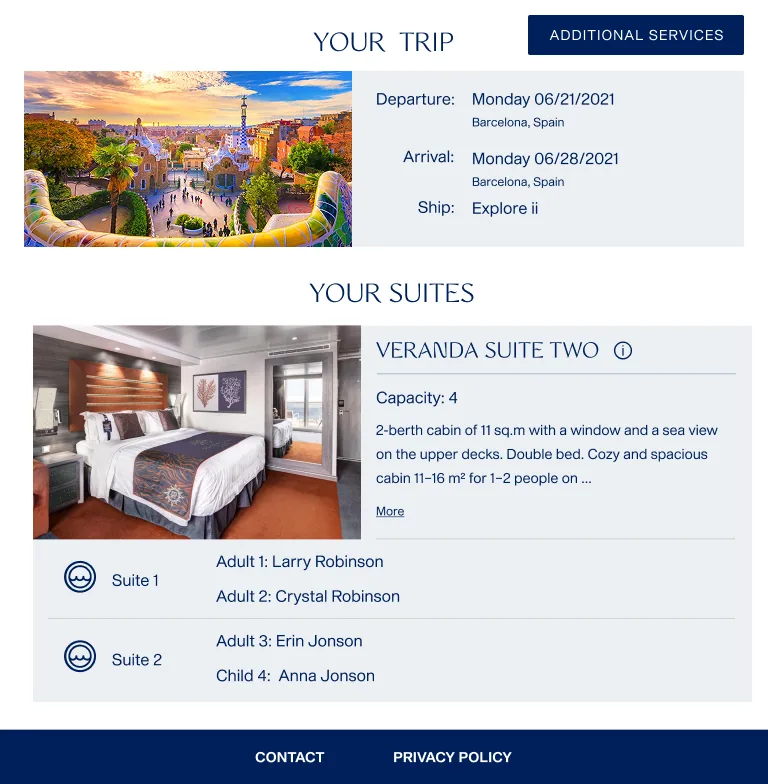
Trip & cabins
The same screen keeps the trip and booked cabins in view, so the guest always sees the reservation they are checking in for.
Workflow 03 · Add-On Service
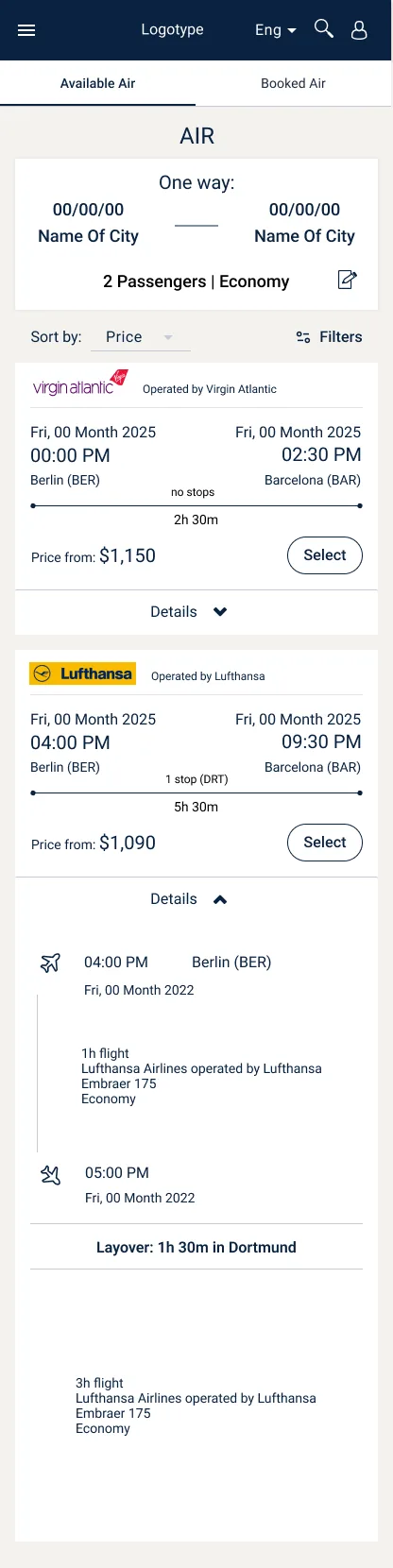
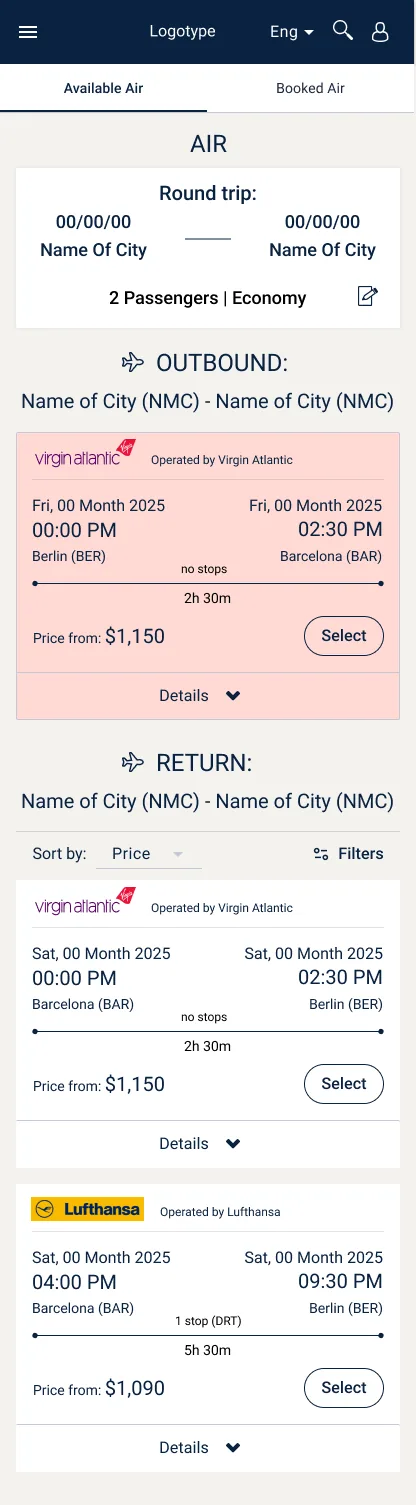
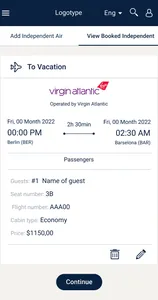
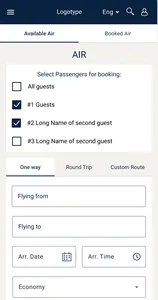
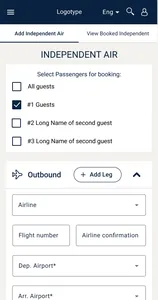
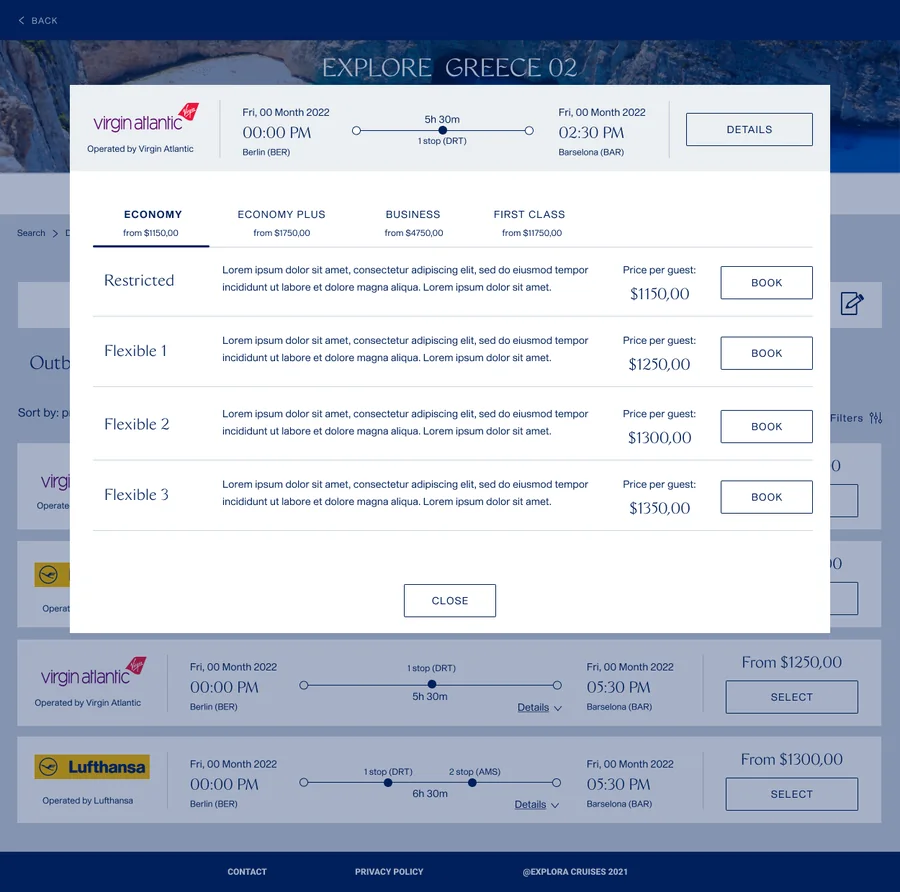
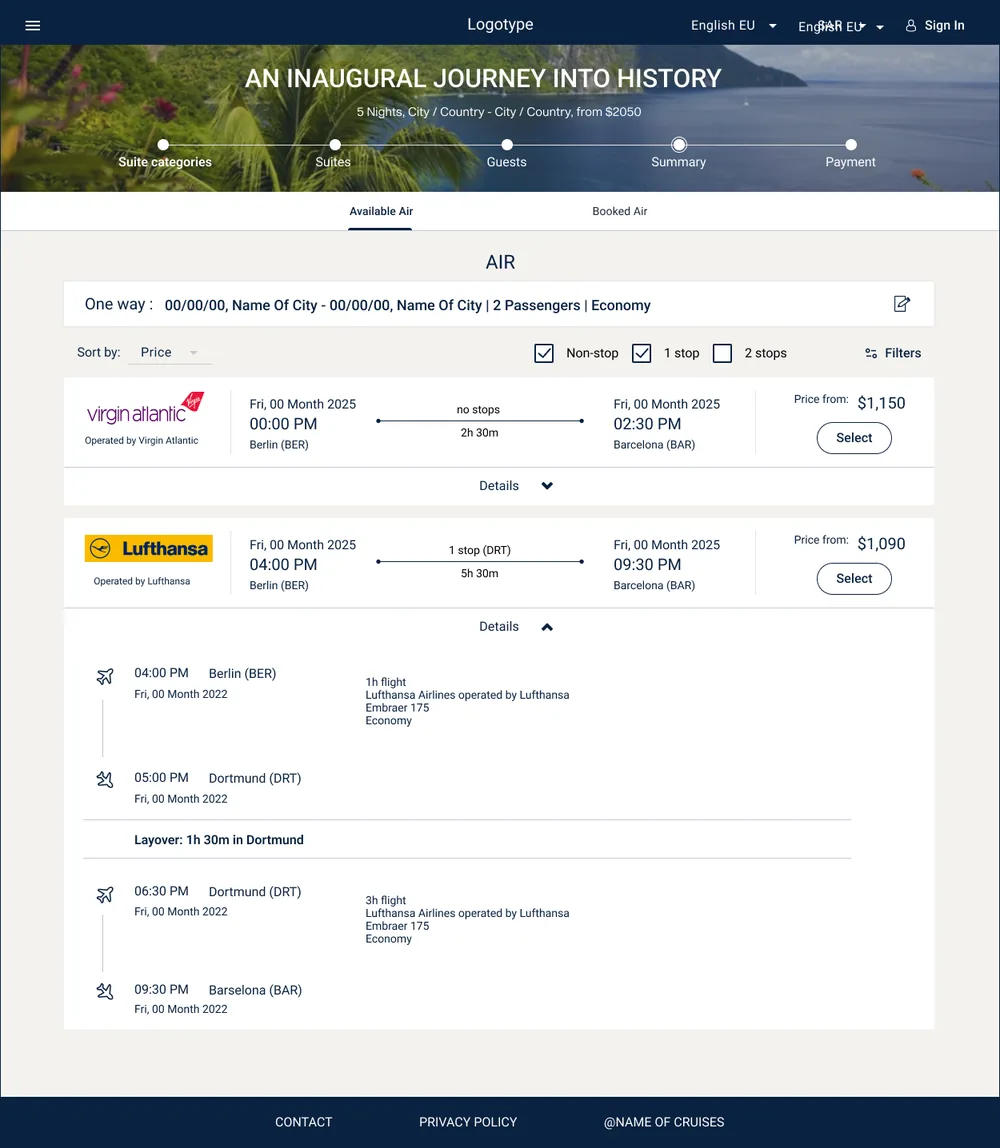
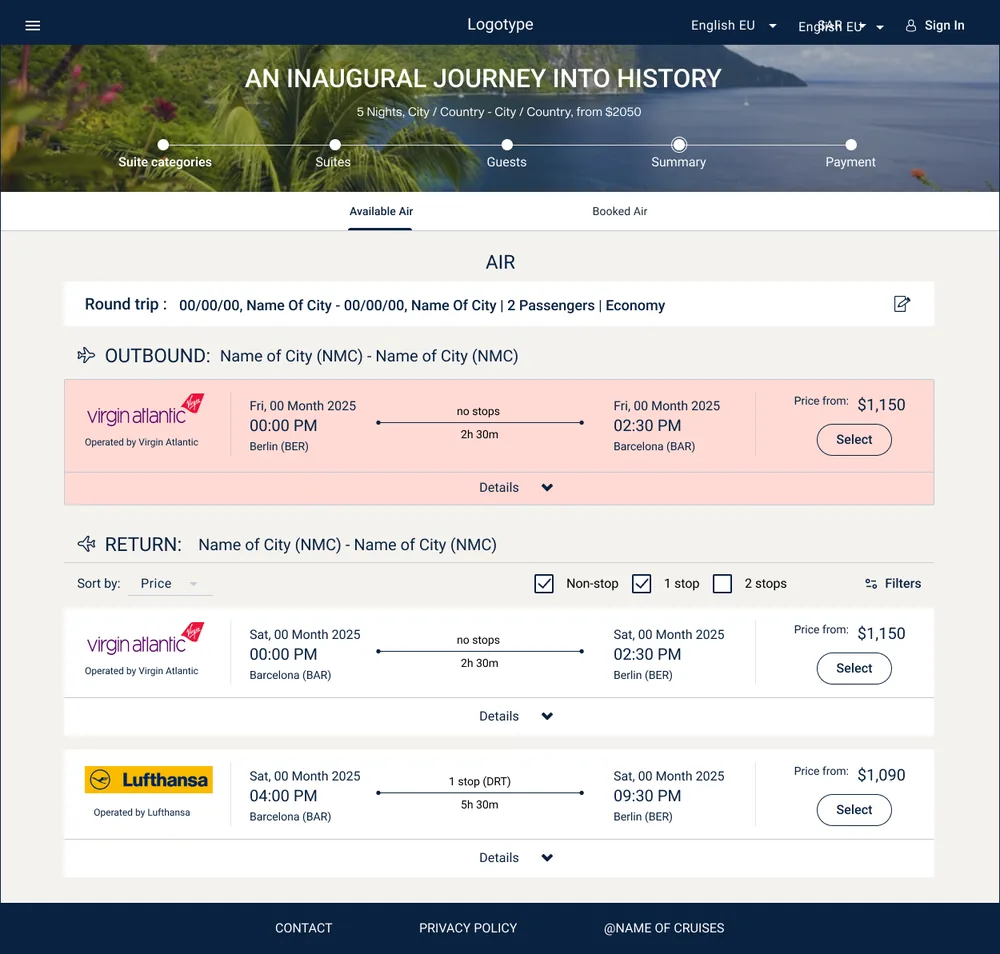
Flight search, passenger selection, results, fare comparison, and confirmation were connected to the existing cruise booking rather than treated as a separate application.
Air booking had to work as part of the cruise reservation. It needed to stay tied to embarkation and disembarkation ports and sailing dates, while allowing pre-cruise or post-cruise flexibility and supporting the correct travelers from the reservation.
Keep cruise and passenger context visible throughout search, results, fare selection, and confirmation. Support pre-cruise, post-cruise, or combined air options, flexible dates around the sailing, multi-passenger selection, and a final review of traveler and flight details.
 Click to enlarge
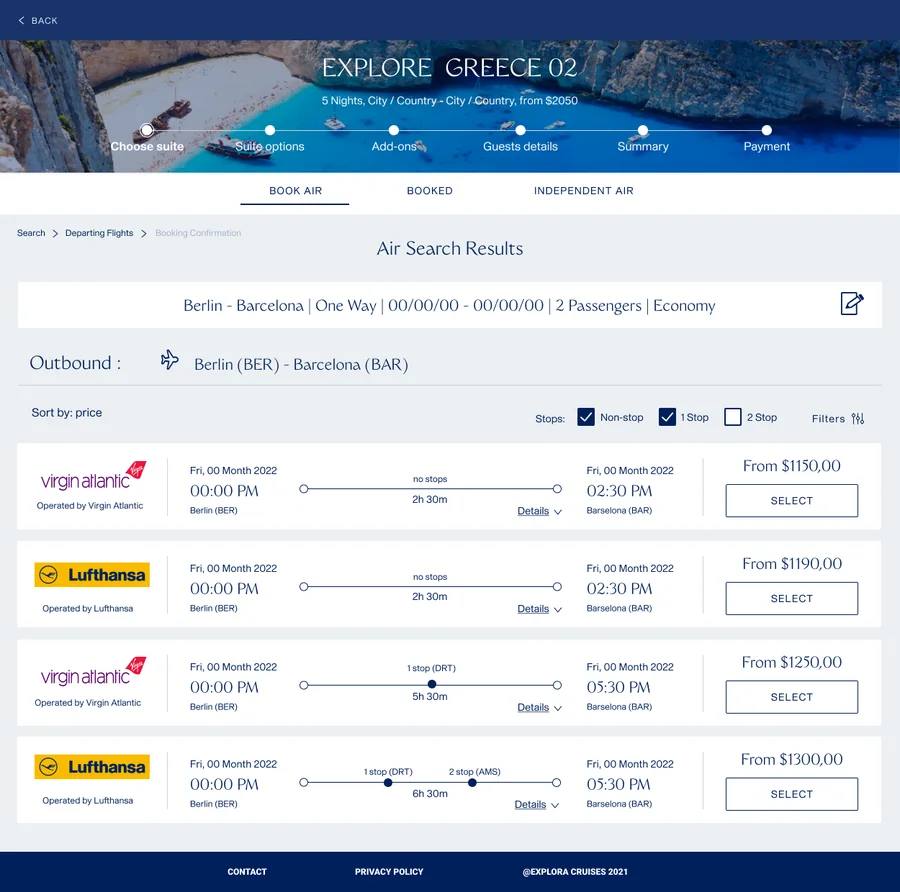
Search & results
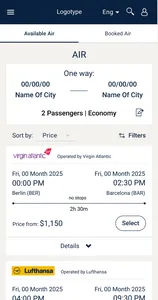
Air search and results run inside the cruise reservation, tied to the sailing and the travelers already on the booking.
 Click to enlarge
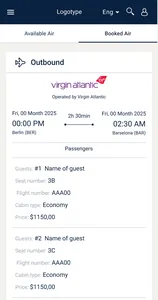
Fare comparison & confirmation
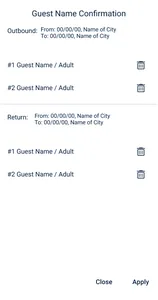
Outbound and return fares are chosen per direction, then confirmed against the travelers and the reservation.
Product Breadth
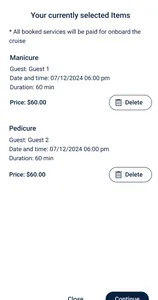
The selected cases above represent only part of the full product. The application included many additional screens, dialogs, states, and client-specific variations across booking, passenger management, services, payments, and post-booking workflows.
Summary
The work was not limited to a few screens. It involved shaping a connected customer-facing product over time, translating complex cruise reservation requirements into usable and repeatable UI patterns, alongside business and development teams.