B2B · Professional Agent Platform · SeaWare
A B2B booking workspace for travel agents and cruise-line staff managing multi-voyage, multi-cabin, multi-guest reservations and related services.
This case study highlights selected UX patterns from a long-running enterprise platform. The full product evolved over many years through ongoing collaboration with business, development, and leadership teams. My role was to help translate complex reservation logic into usable screens, workflows, and repeatable interface patterns.
Context
B2C booking can guide customers through a mostly linear flow. B2B agent work is different. Agents need to search, compare, edit, add services, manage guests, adjust cabins, review invoices, and return to the same reservation without restarting the process.
The interface needed to support speed, clarity, and control while handling reservation logic that could change by cruise line, itinerary, guest mix, and booking type.
System Structure
The B2B product was structured around a living reservation, not a single wizard. Agents could move between modules in different orders while the reservation context stayed available.
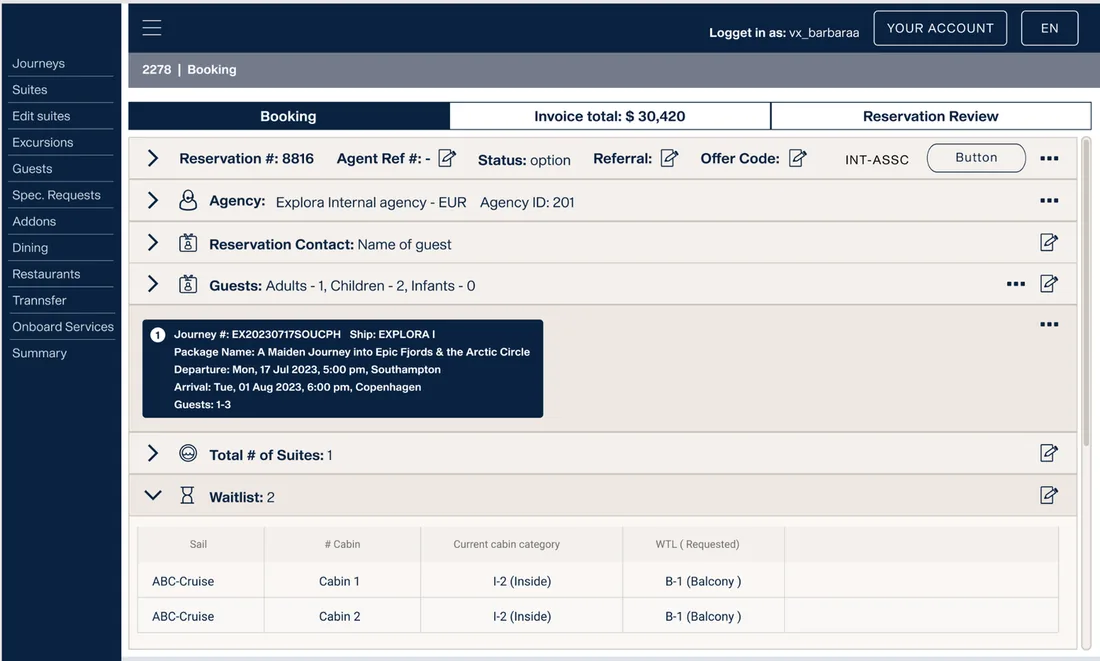
A reservation could include one or several cruise legs, different cabins, multiple guests, optional services, pricing, invoices, waitlists, and client-specific configuration — held together in one place rather than a fixed sequence.
Pattern 01 · Entry Points
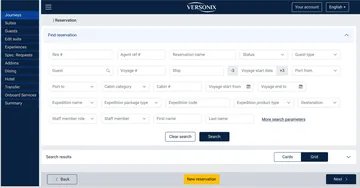
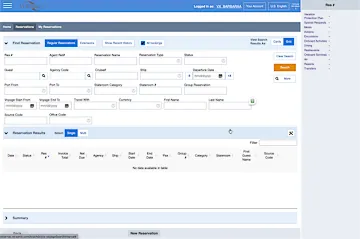
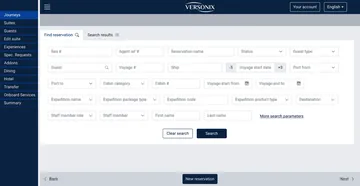
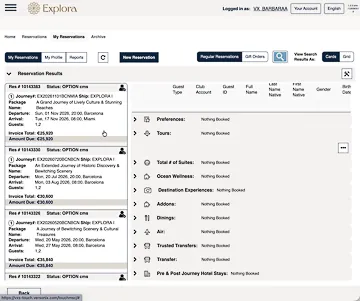
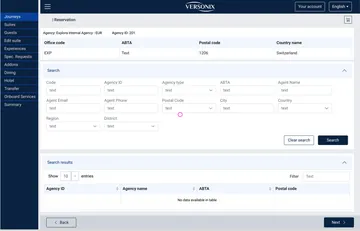
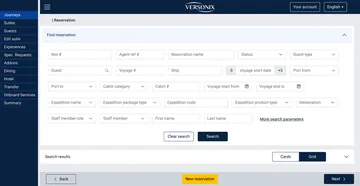
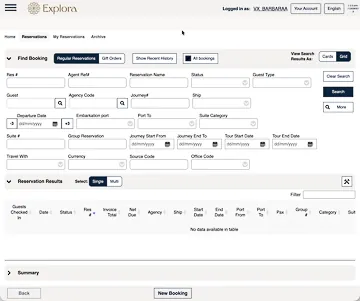
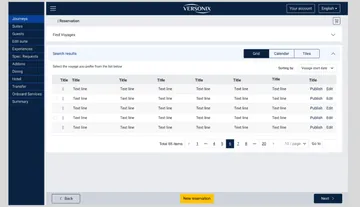
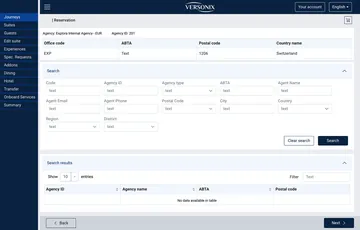
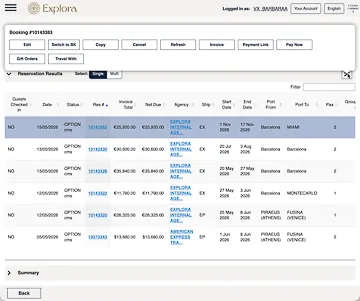
Agents could begin by finding an existing reservation or starting a new one. The lookup screen supported different types of available information: reservation number, guest name, agency, voyage, ship, status, or partial booking details. The goal was practical — help the agent get to the right reservation, or start a new one, without changing context.
Screens shown are Figma mockups used as UX references. Some data and labels may be placeholder.
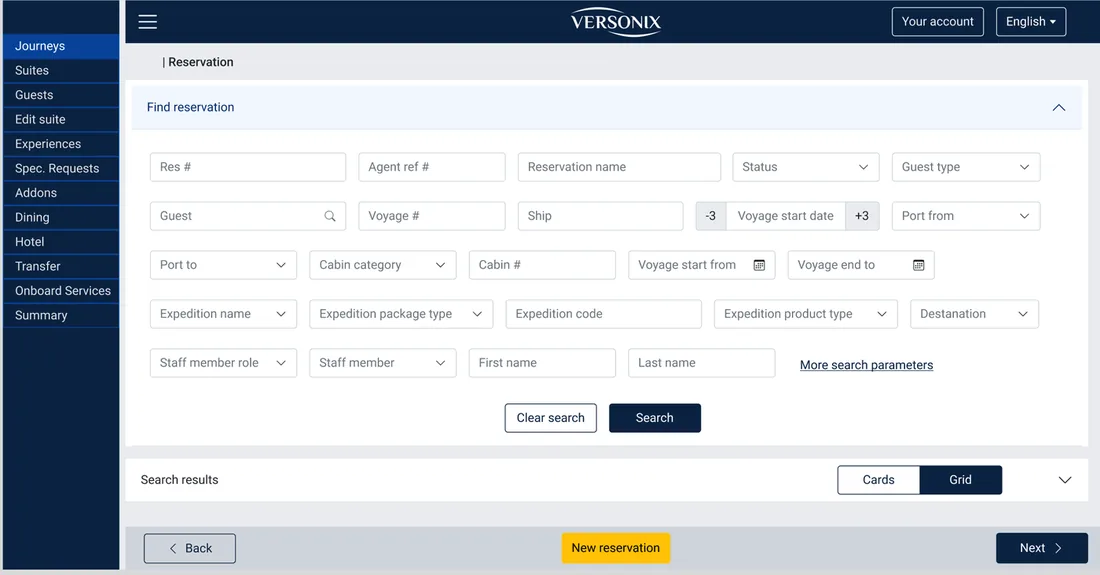
A structured lookup screen for finding existing bookings by reservation, guest, voyage, ship, status, or other available details. Search results stay in the same view, with New Reservation available when the agent needs to start fresh.
Pattern 02 · Voyage Selection
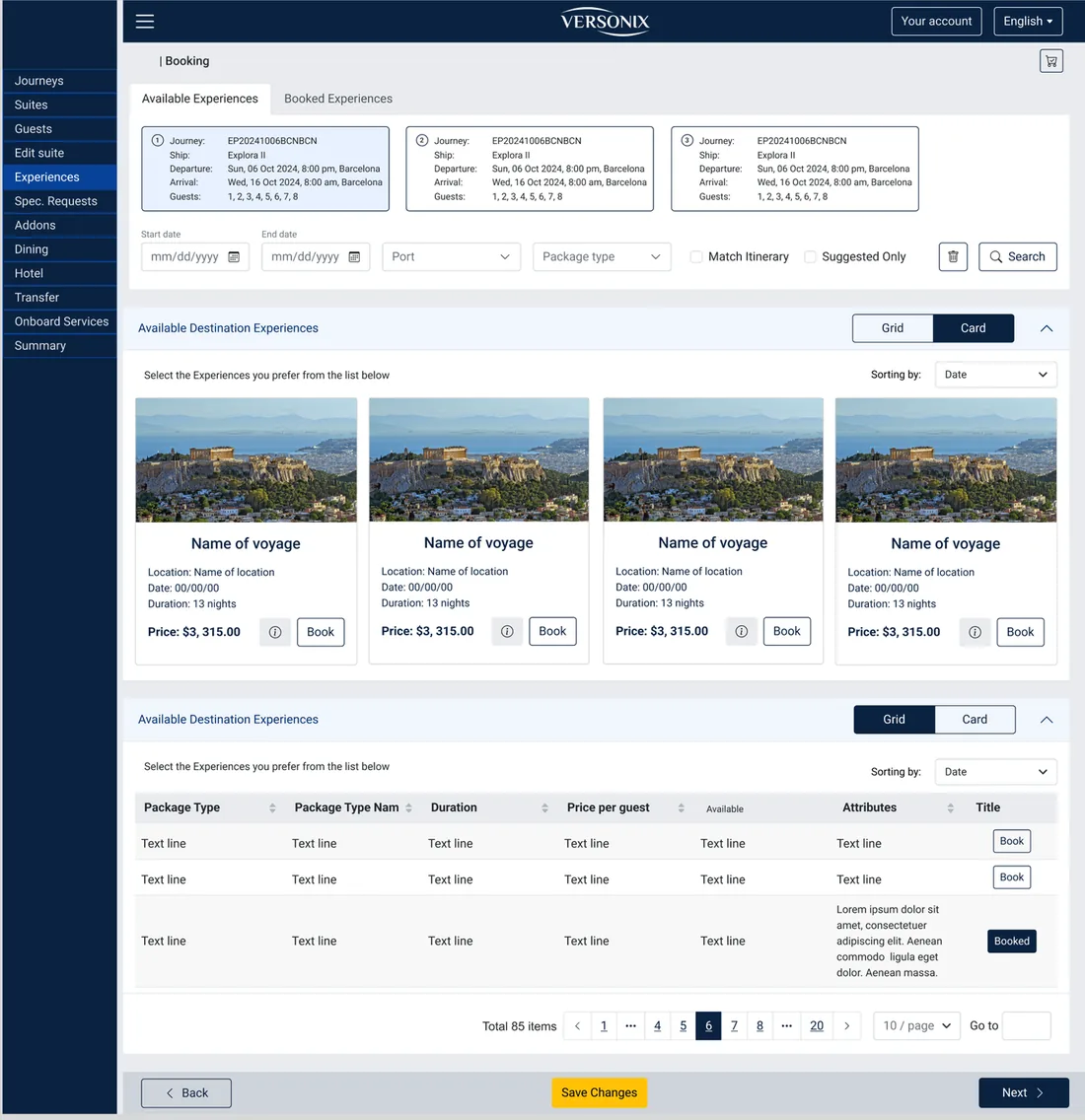
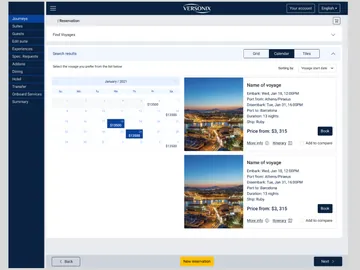
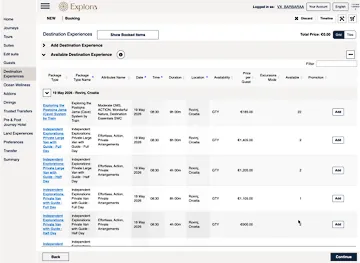
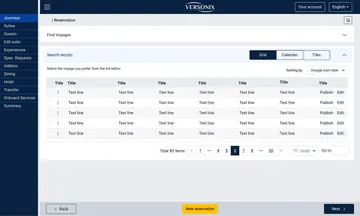
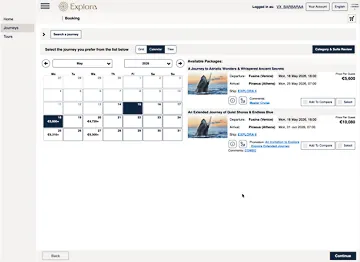
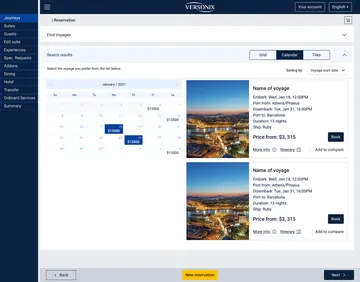
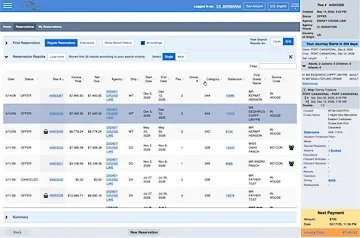
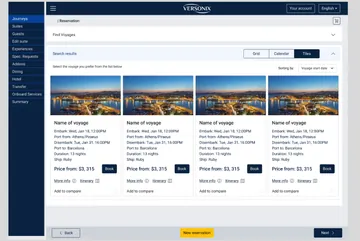
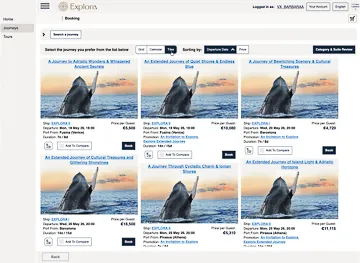
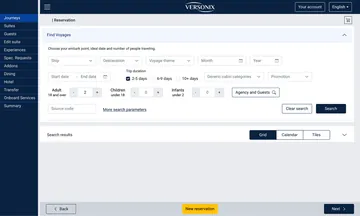
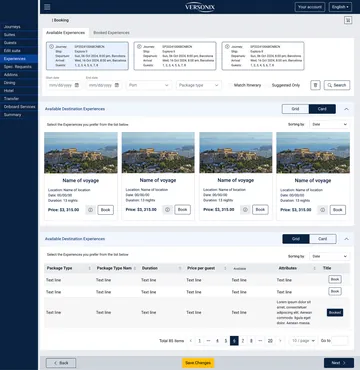
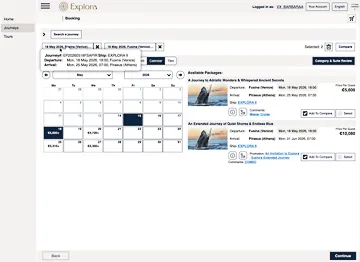
Agents worked in different modes depending on the situation: scanning data, browsing visually with a customer, or searching by departure date. The same voyage inventory could be shown as grid, tile, or calendar views. In grid view, agents could also select multiple voyages for one back-to-back reservation — a more advanced B2B scenario than a standard customer booking flow.
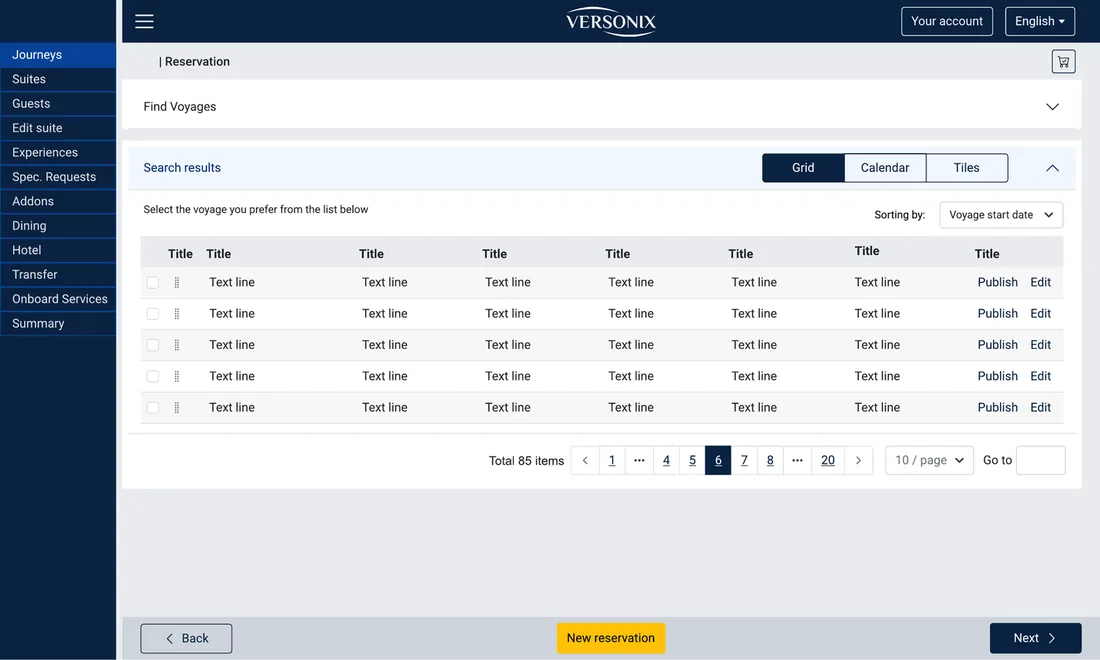
Grid view supports dense comparison and multi-voyage selection.
Multi-voyage booking affected everything downstream. Each cruise leg could have its own ship, cabins, dates, services, and itinerary. The interface had to keep the selected journey clear while allowing agents to continue building the reservation.
Pattern 03 · Cabins and Guests
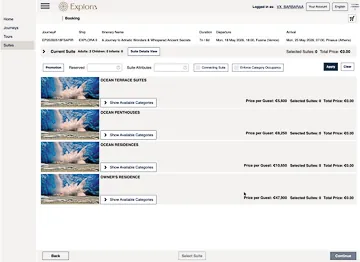
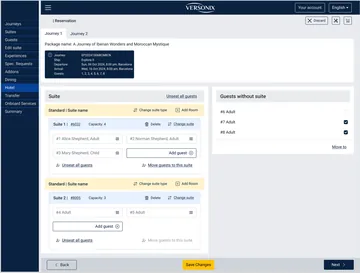
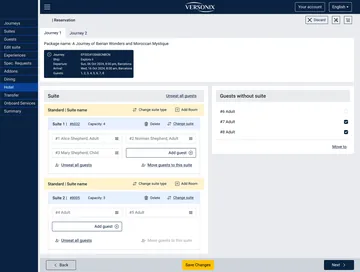
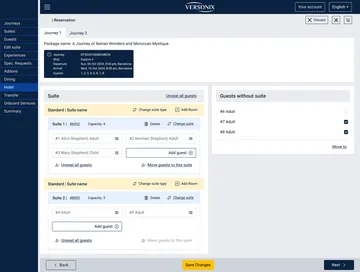
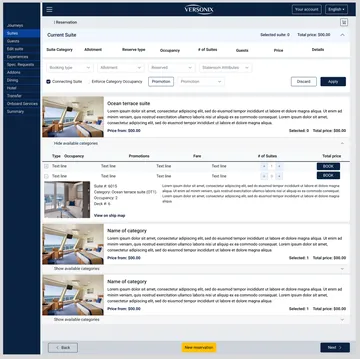
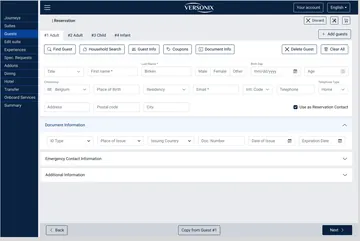
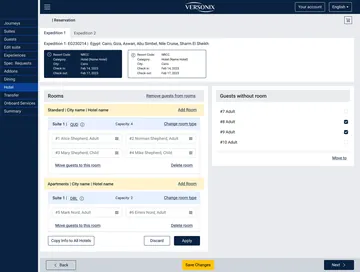
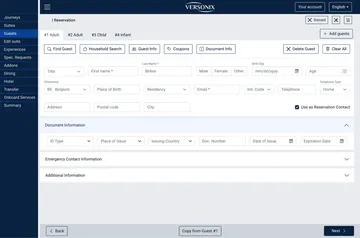
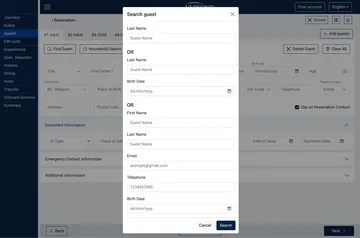
After cabins were selected, the system could automatically assign guests. But real reservations often needed manual adjustment — families, children, grandparents, friends, groups, and different occupancy rules. The interface needed to show cabins, guests, unassigned passengers, capacity limits, and possible changes in one manageable workflow — including cabin location, which is not only about category or price.
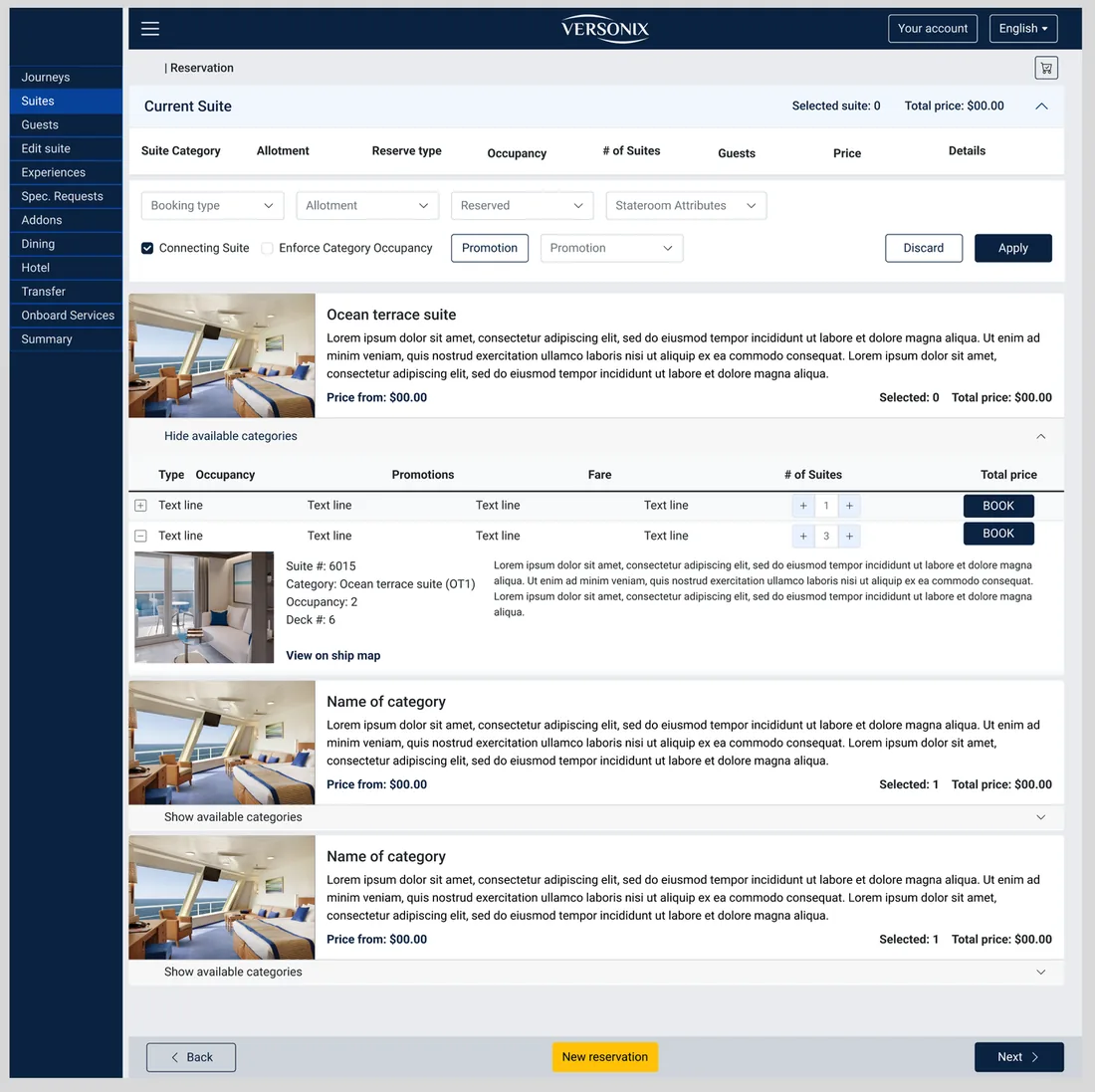
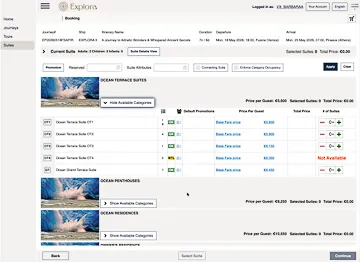
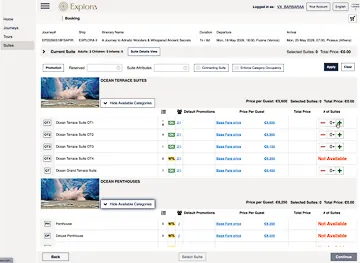
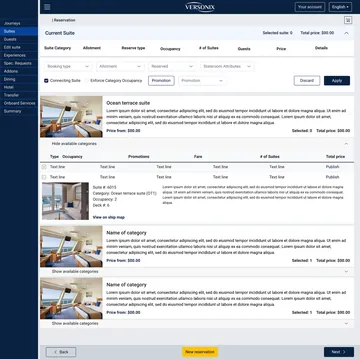
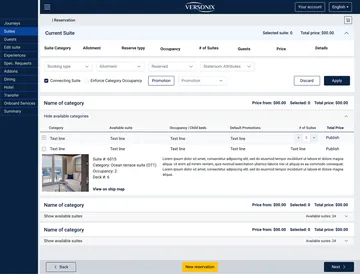
Agents could select multiple cabins across multiple categories, with quantities, prices, and totals visible.
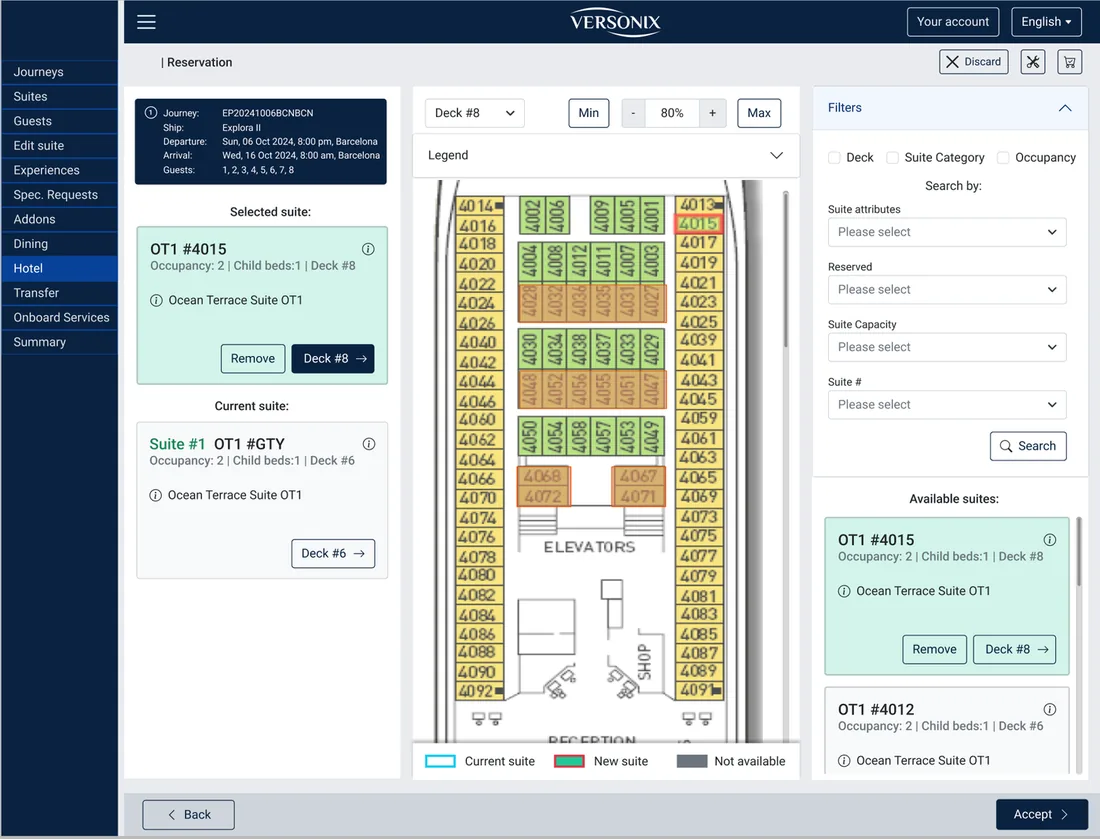
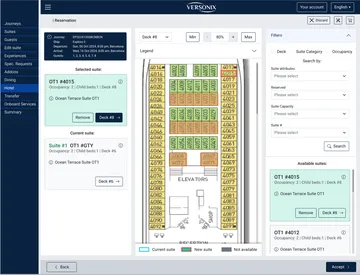
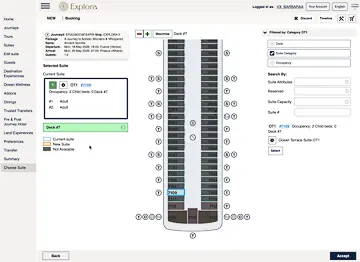
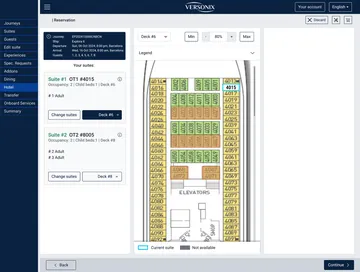
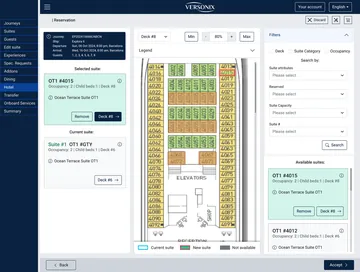
Agents could move guests between cabins, place a guest in an unassigned area, add another cabin, remove one, or change a cabin if the location did not work — keeping the reservation flexible without deleting and rebuilding it. The change-suite flow connected data-driven search with a visual deck plan, so agents could compare the current cabin with a new option and confirm the change inside the workflow.
Pattern 04 · Reservation Control
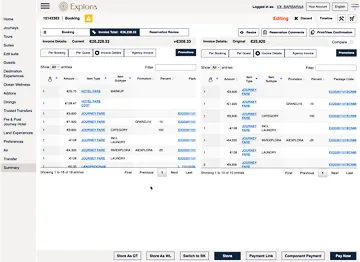
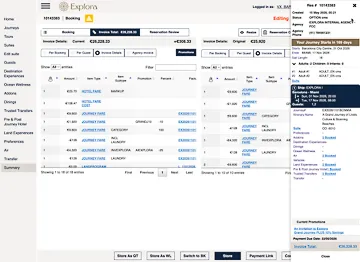
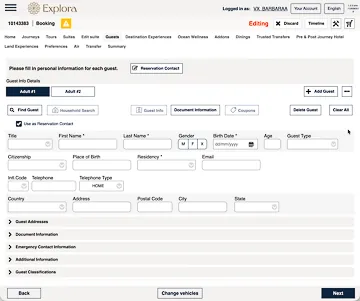
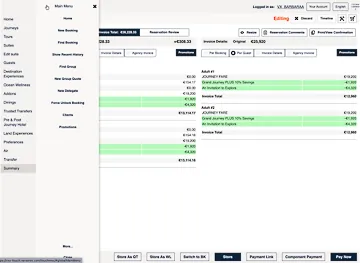
In the B2B product, the summary was not a read-only confirmation page. It gave agents one structured place to scan the full reservation, open the component they needed, edit details, add services, and continue working without rebuilding the booking.
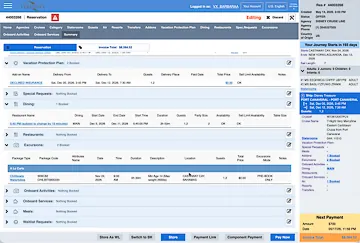
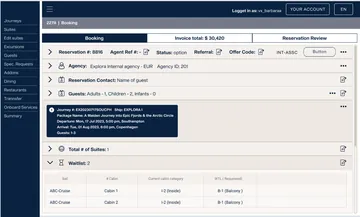
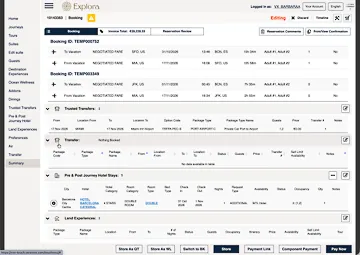
The reservation summary brought the entire booking into one place. It gave agents a stable overview of the reservation while also acting as a working surface for reviewing, editing, and adding services.
The key idea was simple: keep the full structure visible, but reveal detailed operational content only when the agent needs it.
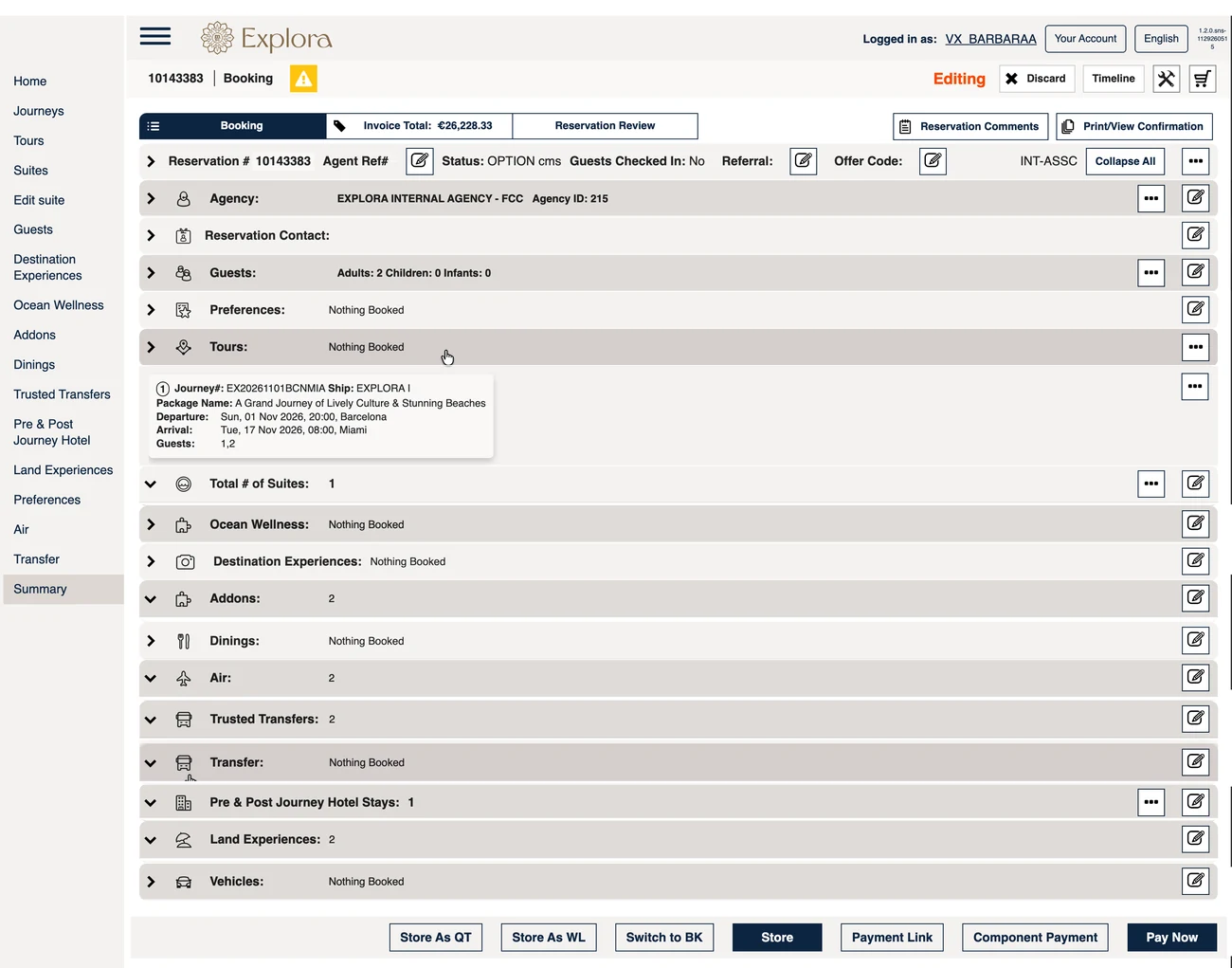
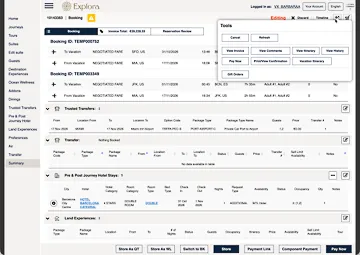
The compact state keeps all reservation components visible at once. Agents can scan what is booked, what is not booked, and where each section lives before opening any details.
Scroll within the frame to see the full screen. Mockup — some data is placeholder.
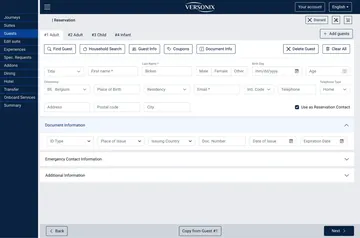
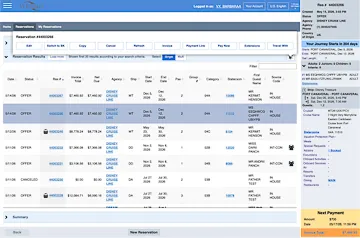
Reservation status, agency, guest counts, invoice total, and review actions sit near the top, so the agent always knows which booking is being edited.
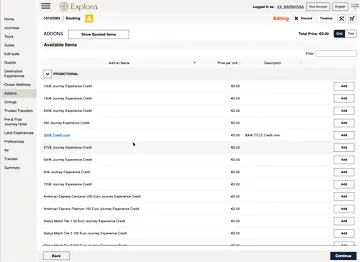
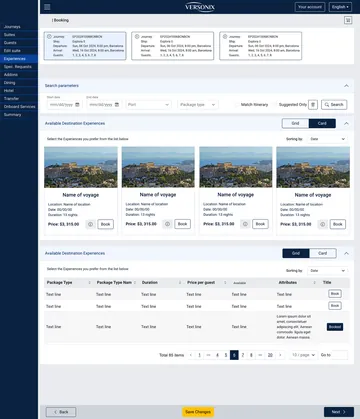
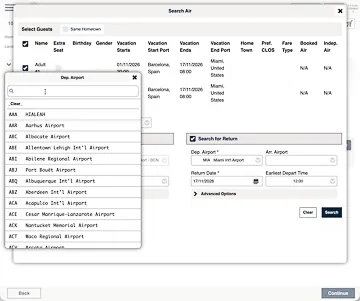
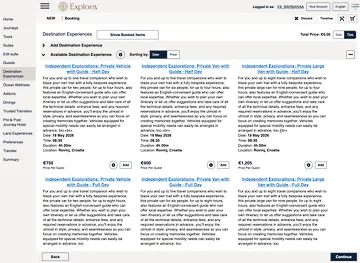
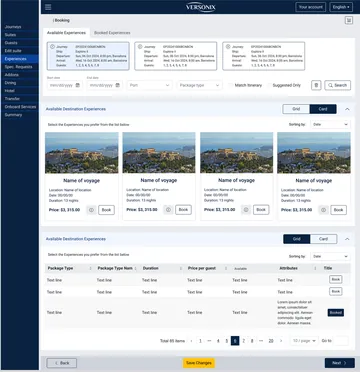
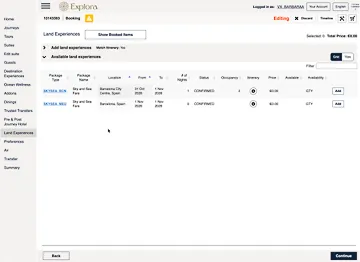
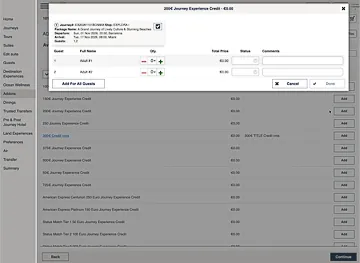
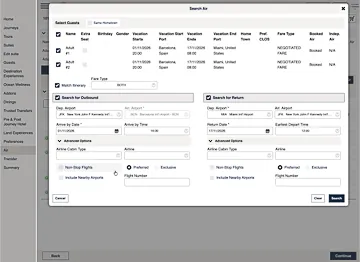
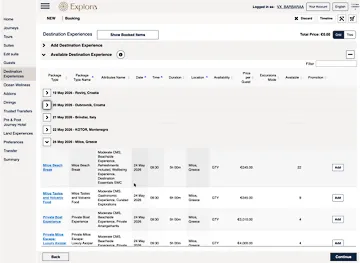
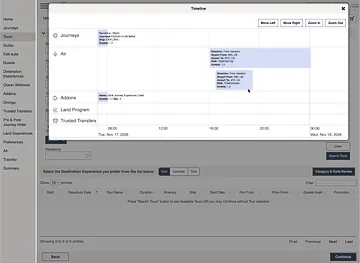
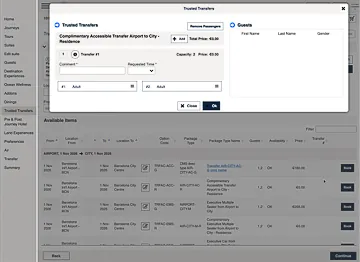
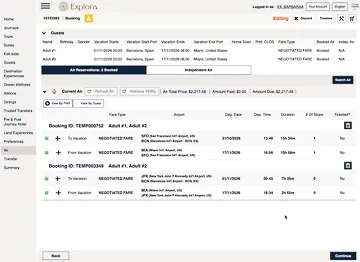
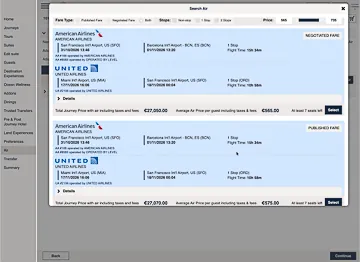
Flights, transfers, hotels, experiences, and other services expand into working detail without breaking the agent into disconnected pages.
Store, waitlist, booking, payment-link, component-payment, and pay-now actions remain part of the same operational workspace.
Agents returned throughout the life of a reservation. A stable order, familiar controls, and clear booked / not-booked states let them find a component and keep working without relearning the page.
Different cruise lines enabled different combinations of services, so the summary needed a stable component model rather than a fixed one-off layout. The structure could support air, spa, hotels, transfers, land programs, dining, excursions, and other client-specific components without changing the agent's overall mental model.
Designer Contribution
Dense enterprise screens made workable through hierarchy, collapsible sections, contextual controls, and reusable patterns.
Professional agent workflows supported without forcing a customer-style wizard.
Multi-voyage, multi-cabin, multi-guest reservations kept clear through visible context and editable sections.
Practical speed supported through clear lookup, comparison, and edit paths.
Ongoing product work shaped with business, development, leadership, and product teams.
The selected examples above focus on key UX patterns. The full B2B platform included many more screens, workflow variations, edge cases, and client-specific configurations developed over years of product work.
Closing
This case study does not document every screen of the product. It focuses on selected patterns from a much larger B2B reservation platform: organizing dense workflows, keeping context visible, and helping professional agents manage complex reservations with speed and control.